Identities & profiles
An identity is the core idea in yeon. Each one is a complete, self-contained browser that lives inside a single tab group — its own cookies, its own logins, its own proxy, its own location, and its own device fingerprint. To every website you visit, one identity is one ordinary computer, with nothing carried in from any other.
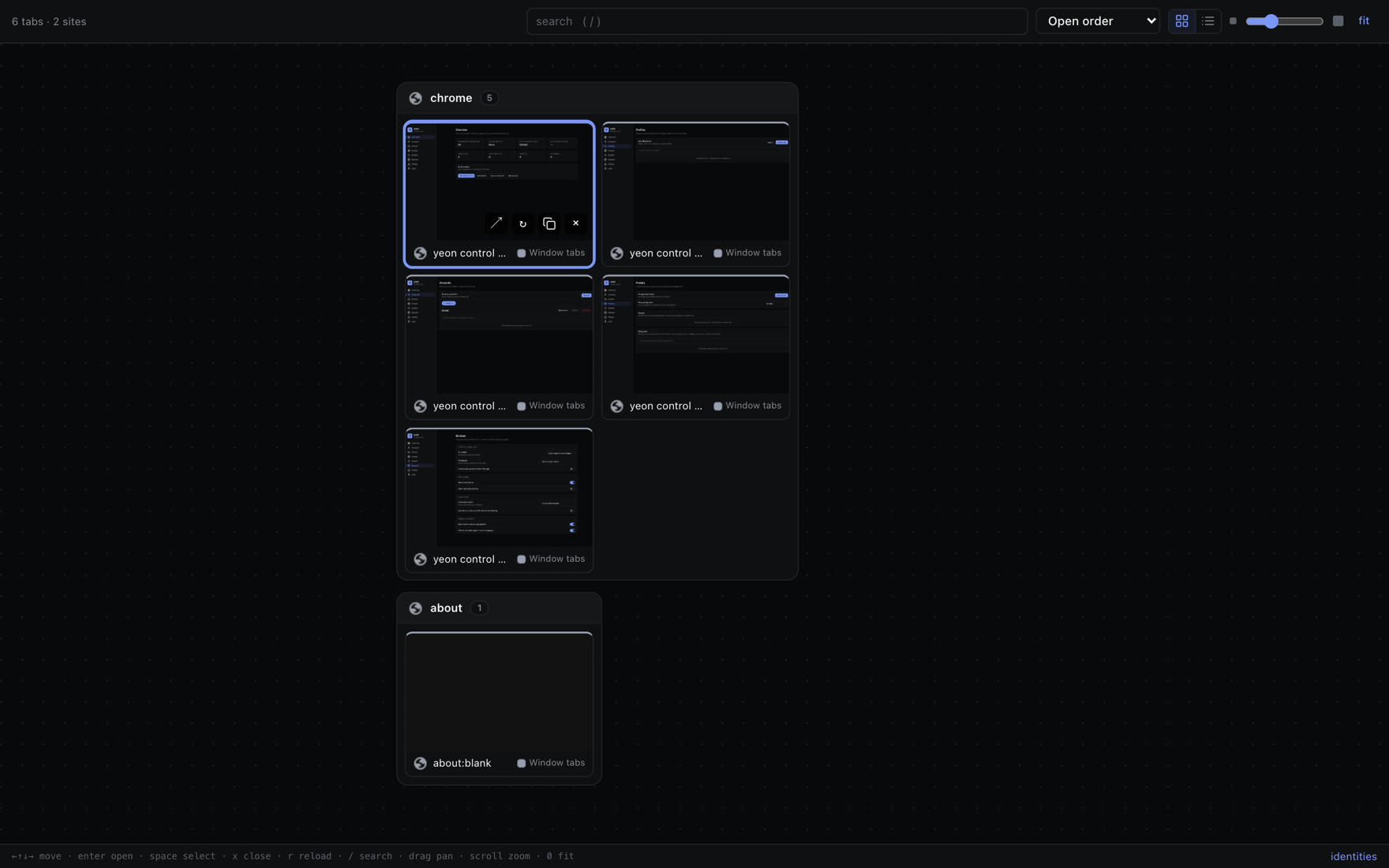
What an identity keeps separate
Everything below belongs to that identity alone. A second identity gets its own fresh copy of all of it:
- Cookies and saved logins — sign in on one identity and the others know nothing about it.
- Local storage, site data, and cache — the files sites leave behind never cross from one identity to another.
- Proxy / exit IP — each identity browses through its own proxy, so each one appears at a different location. See Proxies & rotation.
- Time zone, language, and location — these follow the identity's proxy, so an identity on a German exit reports a German clock and locale, not your real one.
- Device fingerprint — the thousands of tiny details a site reads to tell one device from another are distinct per identity, so each one reads as separate hardware. Turn on Online device profiles to draw each identity's device from a real-world computer.
You never wire any of this up by hand. Opening an identity hands that tab a complete, coherent device and network identity — everything above is set for you and kept in sync.
Persistent personas vs. throwaway identities
There are two kinds of identity, and the difference is simply whether it is saved to disk.
Persistent personas
A persona is a named, saved identity — usually one you imported from a spreadsheet (see Importing profiles & accounts). It remembers everything between sessions: quit yeon, reopen it tomorrow, and you are still logged in with the same cookies and the same device. Its device fingerprint stays the same even when you rotate its proxy or switch accounts, so it stays the same computer that simply moved networks.
In the side panel, a saved persona shows a saved badge: there is a session on disk here, and opening it resumes that session.
Your named personas stick around until you delete them yourself. Closing their tabs frees up memory but never erases the saved session.
Throwaway identities
Open a brand-new top-level tab and you get a throwaway identity: a fresh identity with its own proxy, for a quick one-off. It is not saved — when you close its last tab, its cookies, storage, and session are discarded for good.
The colored tab groups
Every identity's tabs are gathered into one tab group with a soft pastel color and a thin colored bar underneath them. All the tabs sharing a color belong to the same identity; a different color means a different identity with different cookies and a different proxy.
Two groups next to each other never share a shade, and each identity keeps its color for as long as it is open — colors never reshuffle while you work.
Opening and switching identities
Open a throwaway identity
Open a new top-level tab the way you always would — the new-tab button, CmdCtrlT, or yeon's New identity tab shortcut CmdCtrlShiftY. yeon gives it the next proxy from your pool and a fresh identity. Type a URL and go.
Open a saved persona
- Open the side panel
Click the Profiles button in the toolbar to open the profile side panel. On a new-tab page it shows your list of personas.
- Click the persona you want
Each row shows a color dot, the persona's name, how many accounts it has, and a saved badge if it already has a session. Click it to open that persona in its own tab group.
- Or open many at once
Hold CmdCtrl to tick several personas (or Shift for a range), paste a link, and open the same page in every one you picked — each in its own identity. There is also a Launch random button to open a handful of random personas at once.
Switching between identities is just switching tabs: click into any tab and that tab's identity becomes the active one. The side panel instantly updates to show that identity's details, proxy, and sign-in code.
Child tabs stay in the same identity
The rule that keeps an account from being split across two identities:
When you follow a link out of an identity's tab, the new tab stays in the same identity.
Open a link in a new tab — CmdCtrl-click it, middle-click it, choose "Open link in new tab," or let a site pop open a new window — and the new tab joins the same tab group, sharing the same cookies, proxy, and login. A checkout flow or a sign-in that jumps to a new tab therefore stays coherent instead of landing on a different IP with a different session.
Only a genuinely new top-level tab (one you open yourself, with no link behind it) starts a new identity.
How many can you run at once
Comfortably dozens at a time. The practical ceiling is your computer's memory (each open identity uses some, like any browser tab) and how many proxies you have, since each identity works best on its own proxy. Close an identity's tabs when you are done to hand that memory back; a saved persona loses nothing by being closed, and reopens right where you left off.
Related
The control center · Importing profiles & accounts · Proxies & rotation · Online device profiles